
Download Scary Teacher 3D – Horror Game, Android Games on PC, First-Person Horror, Escape Game, PC Gaming
Overview
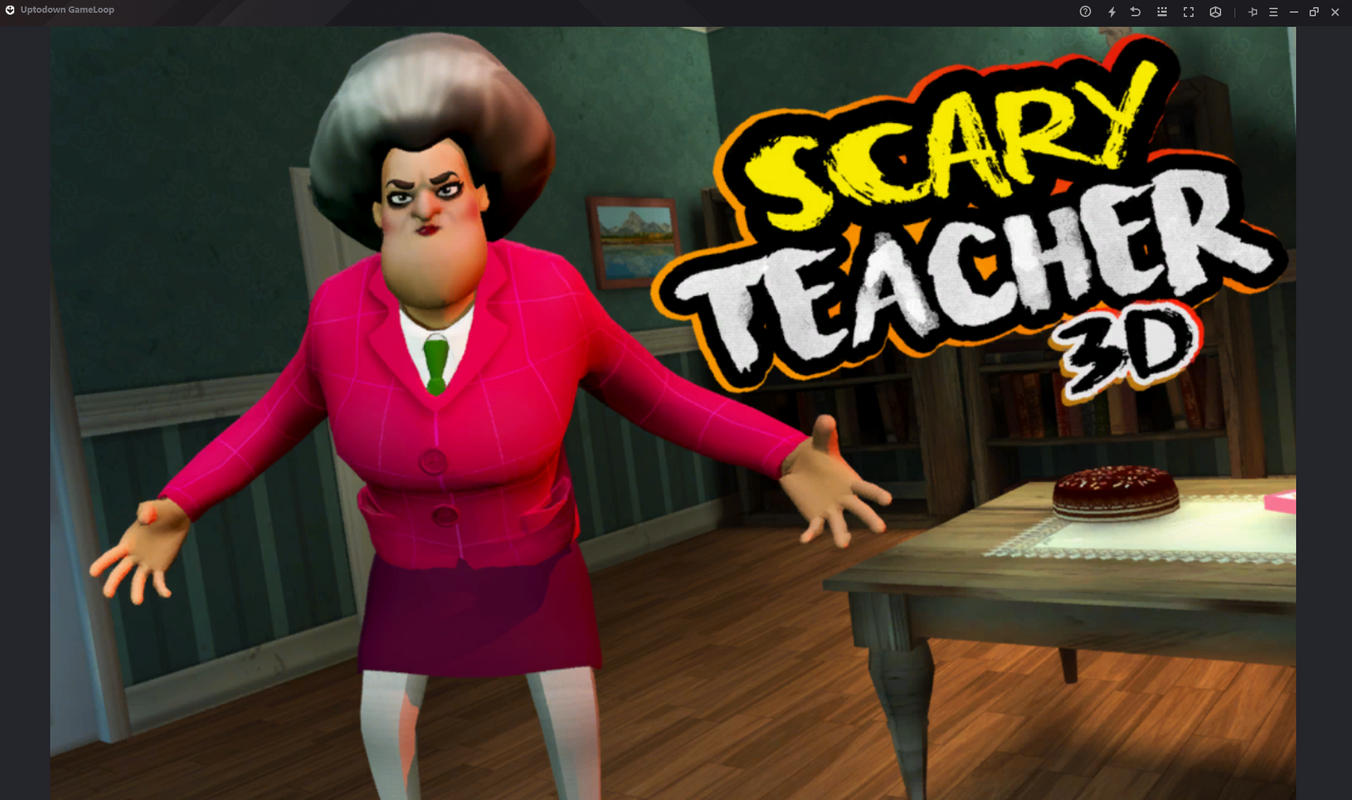
Scary Teacher 3D is a first-person horror adventure game designed to deliver a suspenseful and immersive escape experience. The game centers around two young protagonists attempting to flee a haunted mansion while evading a menacing teacher, creating a tense atmosphere that appeals to fans of psychological horror and narrative-driven gameplay. The core purpose of the app is to provide a thrilling, story-rich environment where players must explore, solve puzzles, and avoid detection to survive. It serves as a unique hybrid experience by enabling Android games to be played on PC through the GameLoop platform, expanding accessibility beyond mobile devices.
Target users include horror enthusiasts, fans of escape-room mechanics, and gamers seeking cross-platform play options. The game leverages the immersive potential of first-person perspective to deepen player engagement, making each decision feel consequential. While Tencent Studio is credited as the developer, no further details about the company’s history or previous titles were provided. Real-world use cases include casual gaming sessions for stress relief, social play among friends, or solo exploration of atmospheric environments. In the broader app ecosystem, Scary Teacher 3D stands out by bridging mobile and PC gaming through optimized integration, offering a niche but valuable service for users who prefer keyboard and mouse controls.
Key Features & Functionality
- Seamless PC Integration via GameLoop: The app uses Tencent Studio’s GameLoop tool to install and run Scary Teacher 3D on Windows PCs without requiring technical setup. This allows players to enjoy the game on larger screens with improved performance and input precision.
- Intuitive Control System: Designed for both Android and PC, the control scheme supports mouse and keyboard navigation, enabling smooth movement through rooms and precise interaction with objects. Arrow keys and mouse clicks allow for natural exploration and quick reactions.
- Engaging Storyline: The narrative unfolds through environmental storytelling and scripted events, guiding players through a mysterious mansion. Key plot elements are revealed through collected items and hidden clues, encouraging methodical exploration.
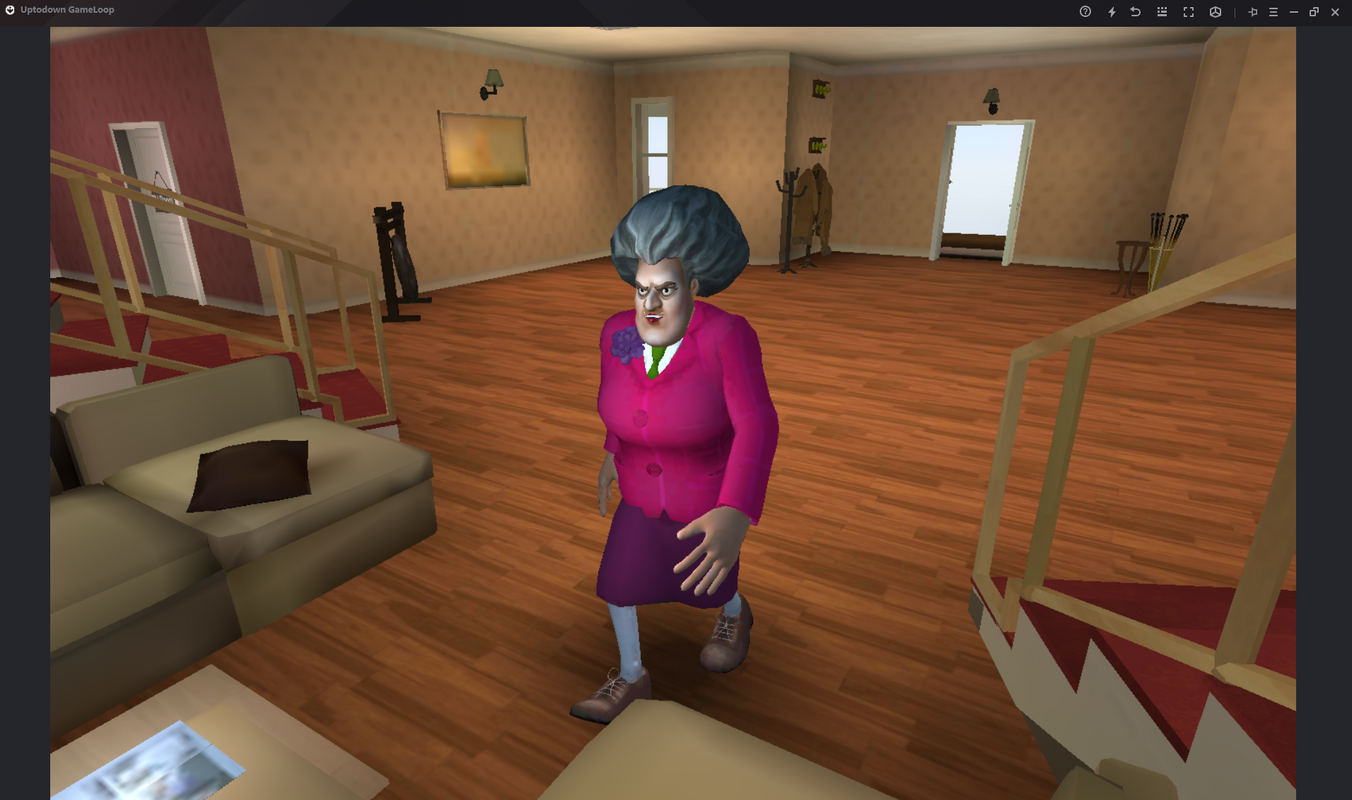
- First-Person Horror Experience: The perspective enhances tension, making every creaking floorboard or flickering light feel more intense. Players must remain cautious, as the teacher’s presence is unpredictable and detection leads to game over.
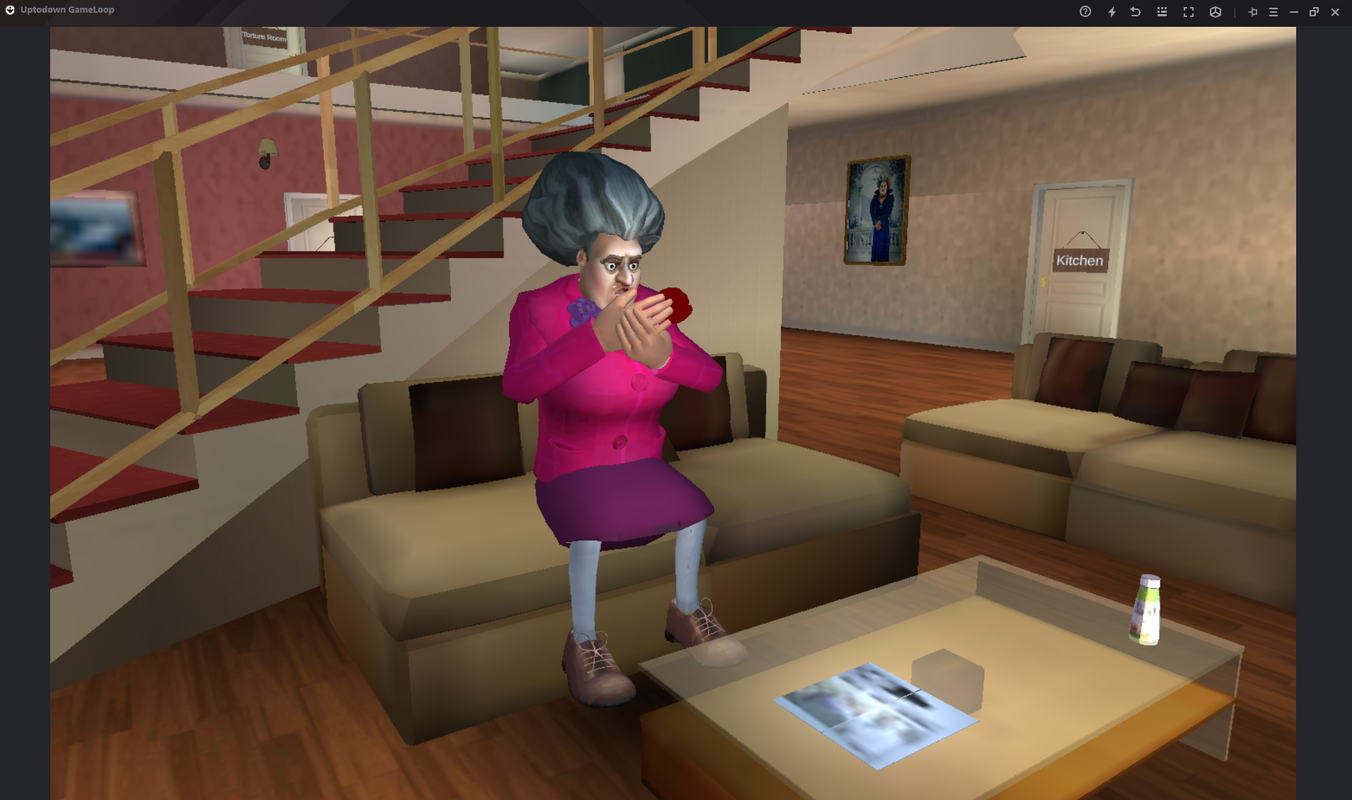
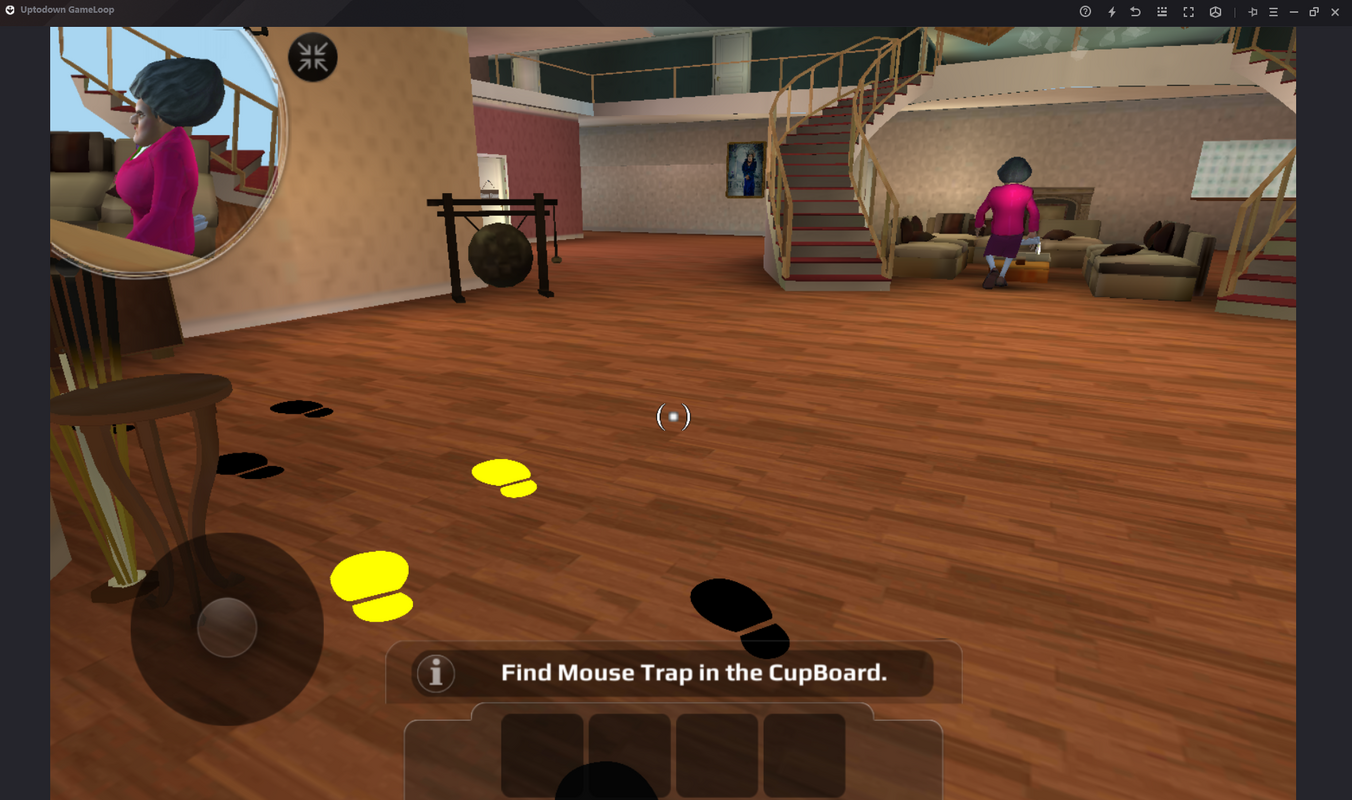
- High-Quality Graphics: The game features detailed 3D environments, realistic lighting effects, and character models that contribute to a cohesive and eerie atmosphere. Visual fidelity supports immersion and enhances the horror elements.
For example, a player might use the keyboard to move slowly down a dark hallway, pausing at every corner to listen for footsteps. When a hidden journal is discovered, it reveals backstory that alters how the player interprets the teacher’s motives. This blend of exploration, puzzle-solving, and stealth creates a dynamic gameplay loop that rewards attention and patience.
Interface, UX & Performance
The user interface of Scary Teacher 3D is designed with clarity and immersion in mind. The HUD (heads-up display) is minimal, avoiding visual clutter during intense moments. Key indicators such as inventory, health, and objective markers are displayed subtly, ensuring they do not disrupt the atmosphere. Navigation is straightforward, with intuitive menus for accessing items, saving progress, and adjusting settings.
On PC, the interface adapts well to mouse and keyboard input, allowing for smooth camera control and precise interactions. The game maintains consistent frame rates across various device categories, though the developer did not provide formal performance metrics. Responsiveness is strong during exploration and combat-free sequences, with minimal input lag. Stability appears reliable during standard gameplay, though prolonged sessions may vary depending on system configuration.
Although the developer did not list formal performance metrics, the game’s optimization for GameLoop suggests it is built to run efficiently on mid-to-high-end Windows systems. Players using older hardware may experience variable performance, but no specific compatibility thresholds were disclosed.
Platform Compatibility & Technical Requirements
Scary Teacher 3D is available on both Android and PC platforms, offering users flexibility in how and where they play. The app is compatible with Windows systems through the GameLoop emulator, which handles the Android layer and system integration. The current version is 1.0.0, with a file size of 1.2 GB, indicating a moderately sized application with rich assets and content.
The developer did not specify minimum OS requirements, hardware specifications, or exact Android version compatibility. As such, users should ensure their system meets the general requirements of the GameLoop platform, which typically demands a modern CPU, at least 4 GB of RAM, and a compatible graphics card. The absence of detailed technical information means users may need to test the app directly to confirm functionality on their devices.
Pros and Cons
Pros
- Seamless integration with GameLoop for PC gaming
- Intuitive control system optimized for mouse and keyboard
- Immersive first-person horror experience with strong atmosphere
- Engaging storyline that encourages exploration and discovery
- High-quality 3D graphics enhance visual appeal and immersion
Cons
- Specific system requirements were not listed
- Compatibility with older or low-end devices is uncertain
- GameLoop dependency may require additional software installation
- No information on multiplayer or offline functionality
- Developer did not provide details on future updates or content plans
FAQ
Is Scary Teacher 3D free to download and play?
Yes, the app is available at no cost. However, it requires the GameLoop platform, which may include optional in-app purchases or advertisements.
Can I play Scary Teacher 3D on my Windows PC?
Yes, the game is compatible with Windows through the GameLoop emulator. No additional setup is required beyond installing the platform.
Do I need an Android device to play Scary Teacher 3D?
No. While the game originated on Android, it can be played on PC via the GameLoop tool, making an Android device unnecessary.
Is the game safe to download and install?
Yes, the app is distributed by Tencent Studio, a known developer. It is recommended to download GameLoop and the game from official sources to ensure security and avoid third-party modifications.
How often is Scary Teacher 3D updated?
The developer did not provide information on update frequency. Users should check the GameLoop platform for updates or announcements.
Final Thoughts
Scary Teacher 3D delivers a compelling fusion of horror storytelling and cross-platform accessibility. Its first-person perspective, atmospheric design, and engaging escape mechanics create a memorable experience for fans of suspense-driven games. The seamless PC integration via GameLoop is a standout feature, allowing players to enjoy mobile-quality content on larger screens with enhanced controls.
While technical details are limited, the game’s strengths in narrative, visuals, and gameplay make it a worthwhile addition for horror and adventure enthusiasts. It is especially valuable for users who prefer PC gaming but want access to Android titles without sacrificing quality.
Download Scary Teacher 3D now and step into a world of shadows, secrets, and suspense—where every choice could mean the difference between escape and capture.


